DNS changes you can prove, and undo.
Records and zone settings across every zone in one place. A change is proposed, classified — an apex deletion is high impact and needs an acknowledgement — executed, read back from Cloudflare, and stored with its revert.
Who DNS administrators, IT administrators
What gets in the way
- Which zone has which record, across dozens of accounts
- A DNS edit with no record of who made it or what it replaced
- Certificates and DNSSEC state checked by hand
What Zonesteward does about it
- DNS across the fleet
Records by zone, changes admin-only; an apex change is classified high and needs an explicit acknowledgement, as does a bulk change above ten zones or a high-impact one on any number. See it →
- Read-back and revert
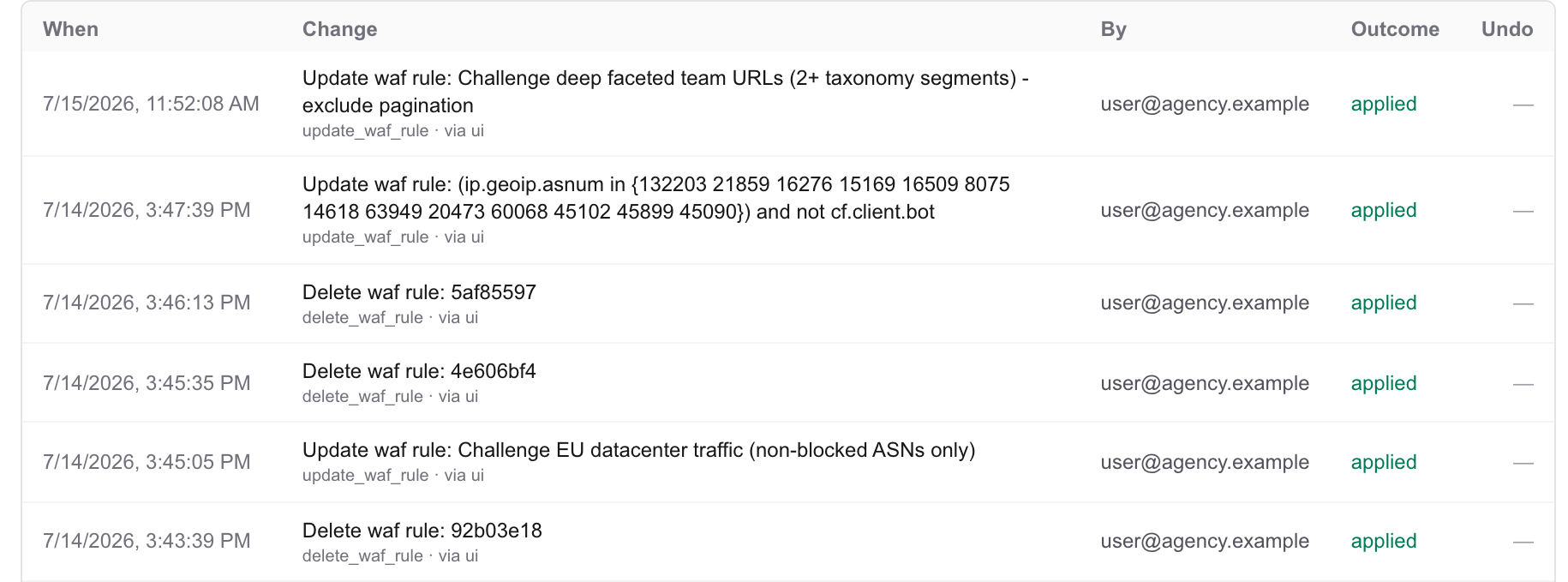
“Applied” means Cloudflare was asked what the record is now. Every change stores its before-state and a one-click revert. See it →
- Certificates, DNSSEC, settings
Edge certificates and expiry, DNSSEC down to the DS record, Universal SSL, zone status and nameservers — a sentence away. See it →
Try asking Did that change take effect? Undo it. · Is client.com down?
All roles Agencies & MSPs · Security & SOC · Ops & Reliability · Network & Edge · Developers · Leadership · Support