The query you’d have written, written for you — and shown.
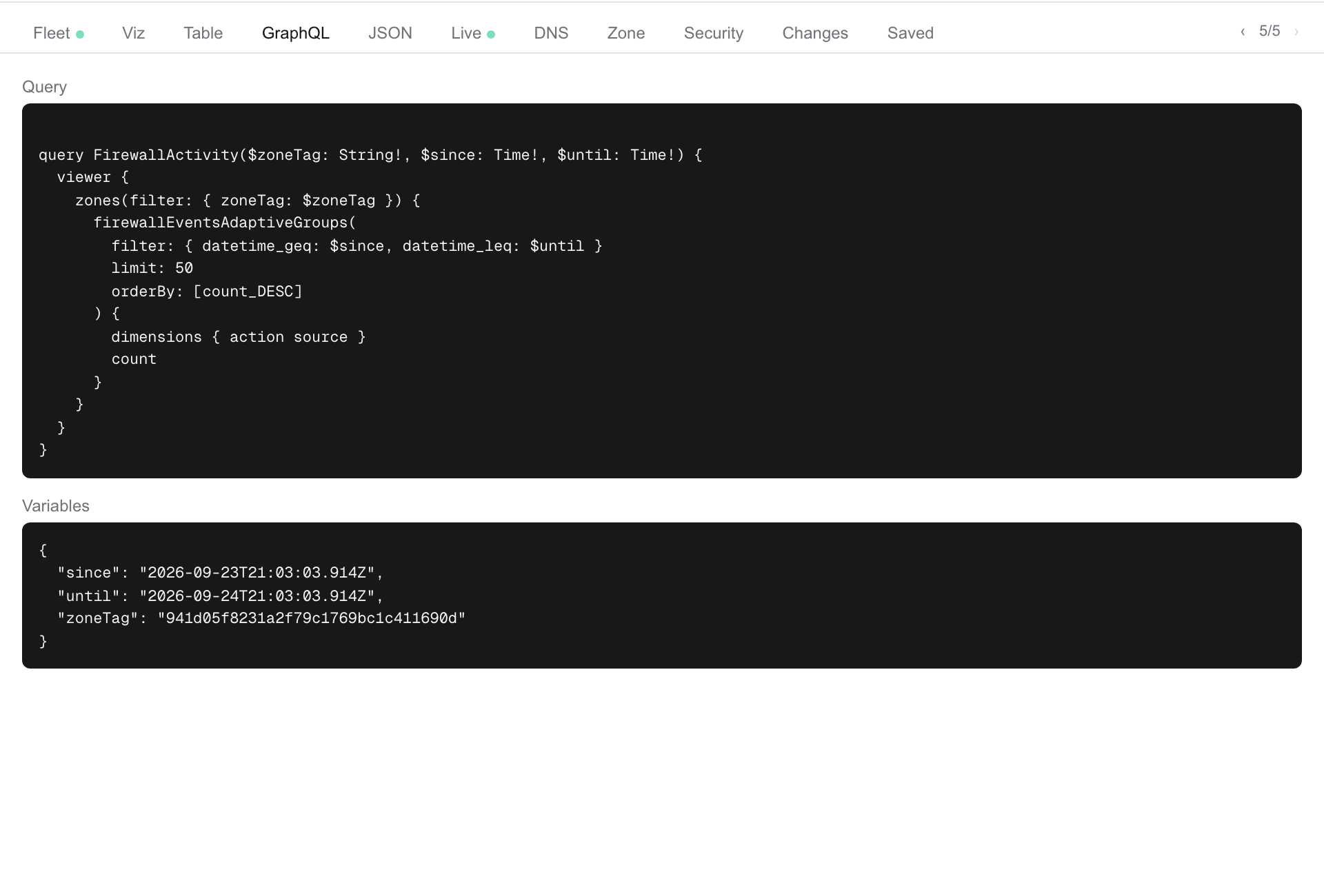
Every answer comes with its GraphQL and its JSON, exactly as run — copy the query into your own tooling. Saved charts keep the conversation that produced them, so you know why a chart exists.
Who Backend and full-stack developers, web developers
What gets in the way
- Cloudflare’s GraphQL schema, its retention windows and field names, learned by trial
- A purge or a header rule that needs a ticket to someone with the dashboard
- Charts with no query behind them
What Zonesteward does about it
- Viz, Table, GraphQL, JSON
Four tabs beside every answer: the chart, the rows with CSV export, the exact query and variables as run, and the raw result. See it →
- Purge and rules as proposals
Purge by URL, cache rules, transform and header rules, redirects — proposed from a sentence, approved on a card, read back. See it →
- Saved charts and the library
Save a chart, pin it, put it on the dashboard, where it re-queries every minute; a library of questions worth asking again. See it →
Try asking Chart cache hit ratio by hour. · Did that change take effect? Undo it.
All roles Agencies & MSPs · Security & SOC · Ops & Reliability · Network & Edge · DNS & IT admin · Leadership · Support